Hand over the approved change, not the whole draft. Compare the current published source with the draft used for approval, then apply only the agreed correction to the current source. If the saved source changes before publication, stop and reconcile the versions.
A link fix approved in an old document is not permission to replace newer eligibility wording. The handoff must say what changes and what stays.
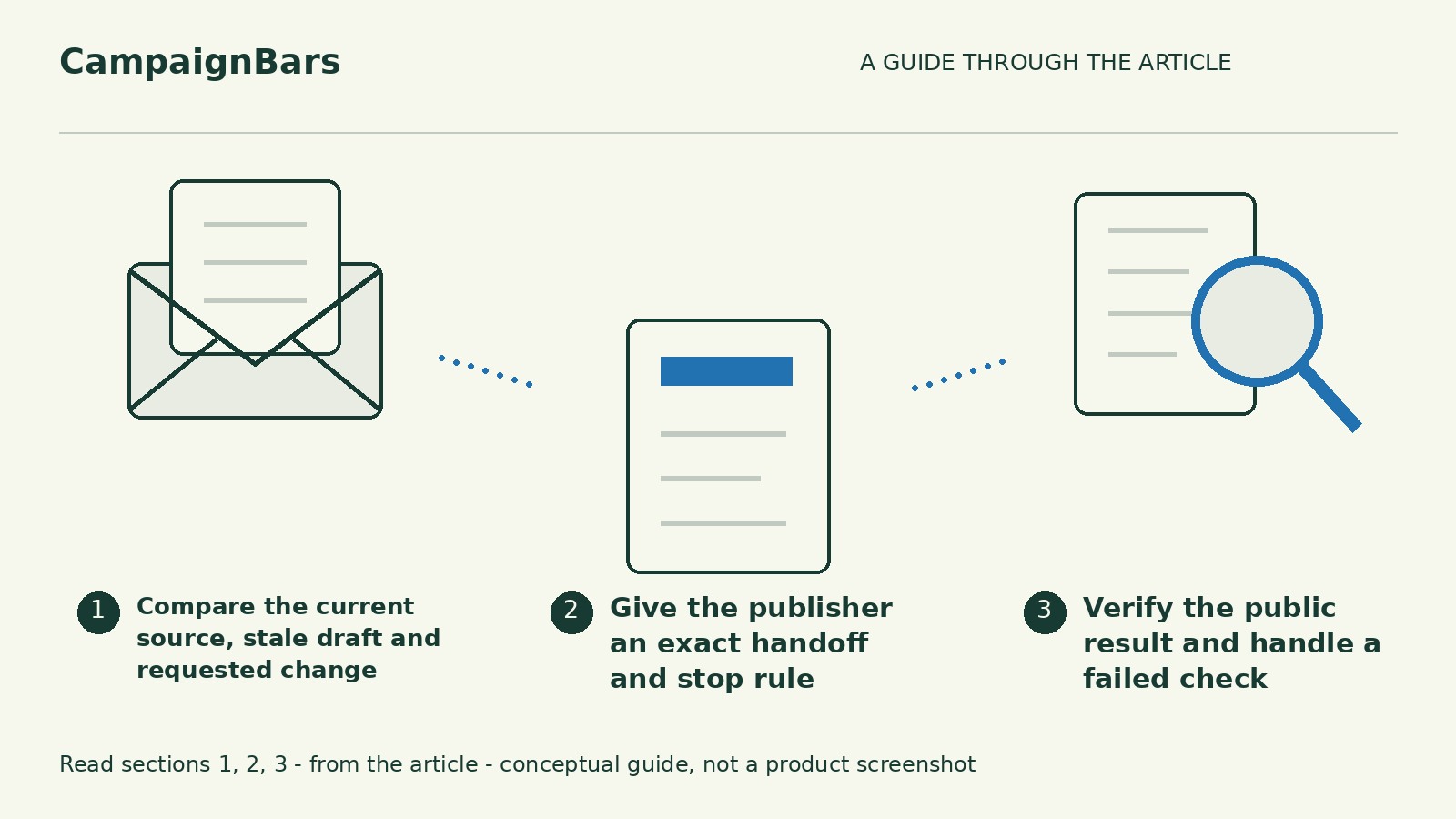
Compare the current source, stale draft and requested change
Locate the actual editing source: a page block, shared header, template, theme setting or another screen. It may be stored somewhere other than the page displaying it. Record the site, environment, item, field and shared placements.
Compare the saved wording and destination with the public announcement. Resolve mismatches before recording a baseline: the checked version the publisher will work from.
Keep a dated, private pre-change record of all content and settings the save could replace, including the exact link value. For a whole-page save, a record of the button alone is not enough. Exclude credentials, access tokens and customer data.
If you cannot establish what the save will replace, ask the site maintainer before proceeding.
Hypothetical example: A membership site’s June workshop notice is a paragraph and button in the Workshops page’s first Group block. Another editor added a valid membership condition while a link fix awaited approval. The owner has confirmed eligibility and the June destination. The people, paths and timestamps in this example are fictional.
- Current published source: “June workshop registration is open to current members only.” Button: “Register”; destination: /workshops/may-registration/.
- Stale draft with the approved fix: “June workshop registration is open.” Same button label; destination: /workshops/june-registration/.
- Requested change: Correct the May link to June only. The eligibility sentence was not part of the request.
The correct result combines the members-only sentence with the June destination. Pasting the whole draft would remove the visible members-only condition. Have the owner approve that combination; if wording and destination conflict, stop for clarification.
Give the publisher an exact handoff and stop rule
Keep the instruction and evidence in one private record. Mark the stale draft reference only—do not publish. For the hypothetical correction, the handoff reads:
- Editing location: Membership site, production WordPress; Pages; Workshops; first Group block; Register button’s destination. Public check: /workshops/. No shared placements in this example.
- Baseline: Source and public view checked 3 June 2027, 09:15 UTC; “June workshop registration is open to current members only.” Button: “Register”; destination: /workshops/may-registration/. Private source capture covering everything the save could replace, plus public-view capture, attached.
- Approved change: Destination only: /workshops/may-registration/ to /workshops/june-registration/. Keep all other content and settings, including the wording and button label.
- Approval: Maya, campaign owner, confirmed this link-only change against the checked live wording at 09:20 UTC.
- Publisher: Leo, publishing editor; agreed editing window 09:25–09:30 UTC that day, with other editors leaving the page untouched.
- Verification owner: Nia, content reviewer; checks the public page immediately after publication.
- Completion: Pending. Leo adds the publication time, time zone and a private capture of the saved source after the change. Nia adds the public URL, check time and time zone, device/login state, final destination and pass/fail result with any mismatch.
Before saving, follow this sequence:
- Open the current source afresh. Leo compares the latest saved state with the baseline across all content and settings the save could replace, not just the button. It must match.
- Check the proposed result. Change only the specified button URL, then compare the proposed result with the baseline across that same scope. Only the approved destination should differ.
- Recheck for intervening saves. Immediately before saving, compare the latest saved source with the baseline again. Rereading the local, unsaved draft does not count. If the saved state cannot be inspected safely, stop and ask the maintainer.
Publish only if the latest saved source still matches the recorded baseline and the proposed save contains only the approved difference. If newer edits, an unexpected draft or unrelated pending changes appear, stop. Preserve that work, reconcile it with its owner, capture a new baseline and obtain renewed approval.
The editing window is an agreement, not a technical lock. Do not assume automatic merging or that revision history covers every WordPress editing surface.
Verify the public result and handle a failed check
Check the message and destination together
Nia opens /workshops/ logged out, outside the editor preview. She confirms that the members-only wording and “Register” label remain, then follows the button. The final destination after any redirects must be the approved June registration page with matching eligibility information.
Repeat these checks for any separate mobile wording or shared placements recorded in the handoff. Following the link does not verify that registration submission or membership checks work. Add the result to the completion field.
If the check fails, report before editing
If any check fails, Nia reports the mismatch to Maya and Leo before another edit. If the saved source is correct but public output is stale, ask the site administrator to investigate the source feeding that page and relevant caches. Do not paste the draft again.
If reversal is needed, reconcile first
The old May URL is wrong, so restoring it is not a safe rollback. Restore a former field value only if it remains safe and approved; otherwise obtain approval for a checked replacement or button removal.
Before any recovery change, compare the latest source with the recorded post-change source across the same save scope. Reconcile intervening edits and have the owner approve the precise change against a new baseline. Do not restore an entire older page revision to reverse one link change. Preserve unrelated valid edits, repeat the public check and update the completion field.
Start with one pending correction: copy the handoff labels into a private record, replace the fictional values and attach baseline evidence. Keep it open until the verification owner confirms that the public message and available action match the latest approved state.